
Visly vs Canva for LinkedIn Graphics: Which One Actually Saves You Time?
Most people don't open Canva because they want to design something. They open it because they need a LinkedIn post out the door in the next twenty minutes and they don't know where else to go.
That is the actual workflow people follow.
You sit down to post something on LinkedIn, you have the idea, the words are mostly there, and then you stare at a blank Canva dashboard for fifteen minutes resizing things and dragging icons that don't quite match.
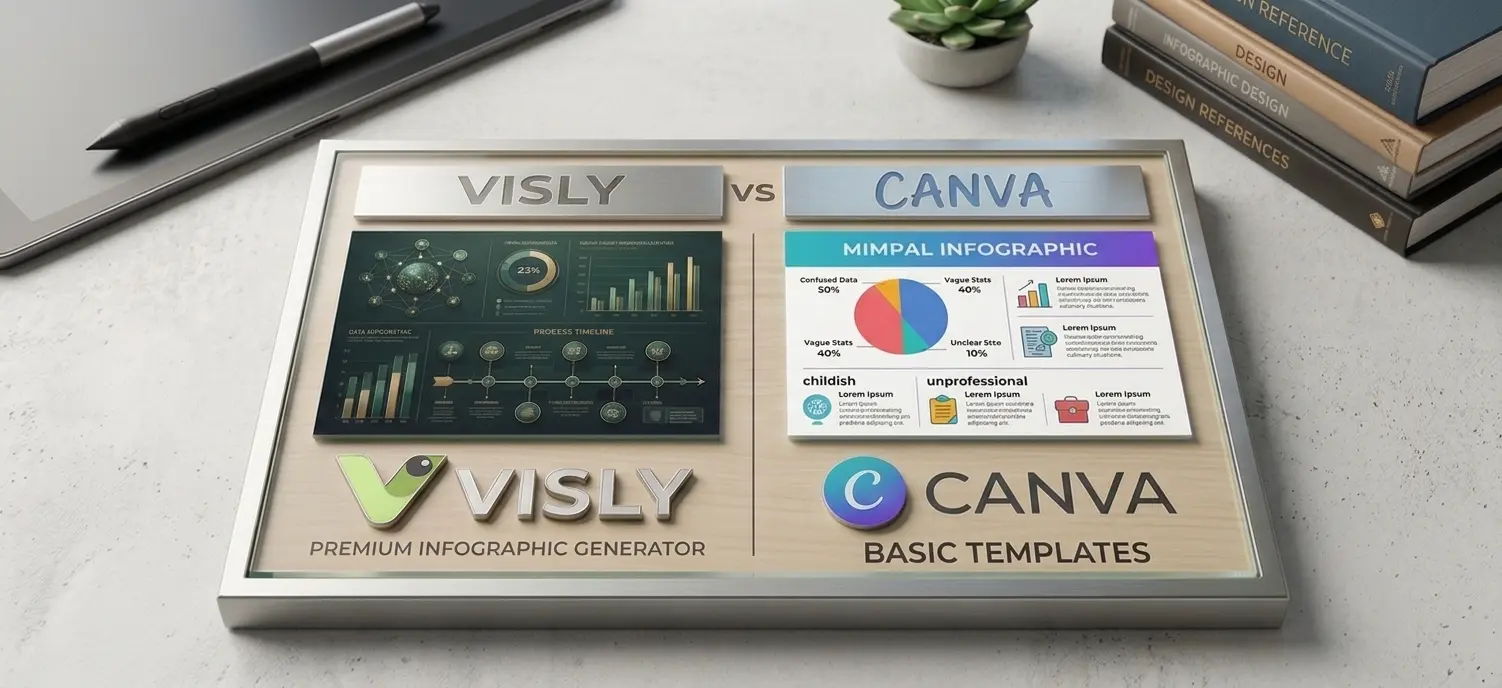
So when people ask whether Visly is better than Canva for LinkedIn graphics, the honest answer is that they were never really trying to do the same thing.
Canva is a general design tool. Visly is a LinkedIn graphic and infographic creator. The comparison only makes sense once you understand what each one is actually built for.
This post breaks that down properly so you can pick the right tool for how you actually work.
What Canva Is Built For
Canva is a general-purpose graphic design platform with over 170 million users and more than 250,000 templates across every possible format.
You can use it for Instagram posts, Pinterest pins, presentations, wedding invites, business cards, T-shirt prints, posters for school events, and yes, LinkedIn graphics too.
That range is the whole point of Canva. It is designed to be the one tool you open for any design need.
- ■Canva Free gives you basic templates and limited exports.
- ■Canva Pro is $15 a month or $120 a year and adds the Brand Kit, Magic Resize, background remover, and the premium template library.
- ■Canva Teams starts at $30 a month for three users.
For someone running a small business, building a deck for a pitch, designing a flyer, and posting on five different social platforms, Canva makes sense. It does a lot of things reasonably well.
The problem starts when LinkedIn is the only platform you post on.
Where Canva Gets Slow for LinkedIn Creators
If you post on LinkedIn three to five times a week, this is what your Canva workflow probably looks like:
This is fine if you are posting once a week. It falls apart at any real volume.
The other issue is that Canva templates are designed to look universally appealing, which means they all start to look the same on the LinkedIn feed. Light background, bold heading, three icons in a row, a stat in the corner.
After a while, your posts blend in with everyone else using the same templates.
Canva also does not understand LinkedIn as a platform.
The dimensions are there, but the design logic is not.
A LinkedIn infographic is a different thing from an Instagram carousel. The reader is scrolling on desktop half the time. The font sizes need to hold up at smaller previews. The text density tolerance is higher than on Instagram.
None of that is built into how Canva templates are structured.
What Visly Is Built For
Visly is built for one thing: LinkedIn graphics and infographics for people who post regularly on LinkedIn.
You give Visly the content: The hook, the data point, the framework, the breakdown, whatever you are posting about.
And Visly generates a designed LinkedIn graphic or infographic that is already sized correctly, structured for how people actually read on the feed, and styled to look like a real piece of content instead of a recycled template.
The difference shows up in two key places:
✦ Speed
You are not picking a template and reformatting it. You are describing what you want and getting a finished graphic. The point of the tool is to get you from idea to posted in a few minutes, not a few hours.
✦ Design Taste
Visly is not trying to be every design tool for every platform. It is built around the specific look that works on LinkedIn in 2026: including infographic layouts for data, framework breakdowns, process flows, and stat cards.
Visly pricing starts with a free trial. Paid plans are $15 a month for Starter, $30 a month for Creator, and $100 a month for Pro, which is for people producing high volume content or running content for clients.
Visly vs Canva: Side by Side
| Feature | Visly | Canva |
|---|---|---|
| Built for | LinkedIn graphics and infographics | General graphic design across all platforms |
| Speed from idea to post | A few minutes | 30 minutes to a few hours, depending on format |
| Template logic | LinkedIn-native layouts for data, frameworks, comparisons, timelines | Universal templates designed for every possible use case |
| AI infographic generation | Yes, built around LinkedIn formats | Magic Design, general-purpose |
| Brand consistency | Brand kit support across all graphics | Brand Kit on Pro and above |
| Free plan | Free trial | Permanent free plan with limits |
| Paid plans start at | $15 a month | $15 a month |
| Best for | LinkedIn creators, ghostwriters, founders posting consistently | General design needs, multi-platform content |
Built for
Visly
LinkedIn graphics and infographics
Canva
General graphic design across all platforms
Speed from idea to post
Visly
A few minutes
Canva
30 minutes to a few hours, depending on format
Template logic
Visly
LinkedIn-native layouts for data, frameworks, comparisons, timelines
Canva
Universal templates designed for every possible use case
AI infographic generation
Visly
Yes, built around LinkedIn formats
Canva
Magic Design, general-purpose
Brand consistency
Visly
Brand kit support across all graphics
Canva
Brand Kit on Pro and above
Free plan
Visly
Free trial
Canva
Permanent free plan with limits
Paid plans start at
Visly
$15 a month
Canva
$15 a month
Best for
Visly
LinkedIn creators, ghostwriters, founders posting consistently
Canva
General design needs, multi-platform content
The pricing is similar. The difference is what you get for the money.
How to Pick Between Them
If LinkedIn is one of many platforms you create for, and you also need flyers, presentations, Instagram graphics, and event posters, stay on Canva. It is the right tool for that breadth.
If LinkedIn is the platform that actually matters to your business, and you are posting at least two to seven times a week, Visly will save you the design time you are currently spending in Canva.
That is the trade. You give up the breadth of Canva for a tool that is faster and sharper for the one platform you actually care about.
A lot of creators end up using both: Canva for the occasional flyer or deck, and Visly for the LinkedIn content they post every week.
That combination usually works out cheaper than upgrading Canva to Pro just to get Brand Kit access, and the LinkedIn graphics come out better.
A Note on AI Infographic Generators
The category of AI infographic generators for LinkedIn has expanded quickly in the last year.
Tools like Piktochart, Venngage, Postiv AI, and a handful of others all market themselves as text-to-infographic generators. Most of them work in some version of the same way. You paste in text, the tool generates a layout, you edit.
The thing to test for is whether the output actually looks like something you would post on LinkedIn, or whether it looks like a generic infographic template with your words pasted in.
The fastest tool is not always the best tool. Speed only matters if the output is good enough to publish without thirty minutes of fixing.
Visly is built around that last part. Output that looks like a real LinkedIn graphic, not a generic template that has been auto-filled.
The Short Version
Canva is the right tool if you need a design tool that does everything reasonably well across every platform you post on.
Visly is the right tool if you post on LinkedIn often enough that the time spent in Canva has started to feel like a tax. The pricing is the same. The difference is whether you want a tool built for LinkedIn, or a tool built for everything.
If LinkedIn is where your audience actually is, the choice gets simple.